

Fzf is a fast fuzzy searching tool, Ripgrep is like grep but blazingly fast, written in Rust. I'm going to show you how to combine both to boost your workflow speed.
Show me
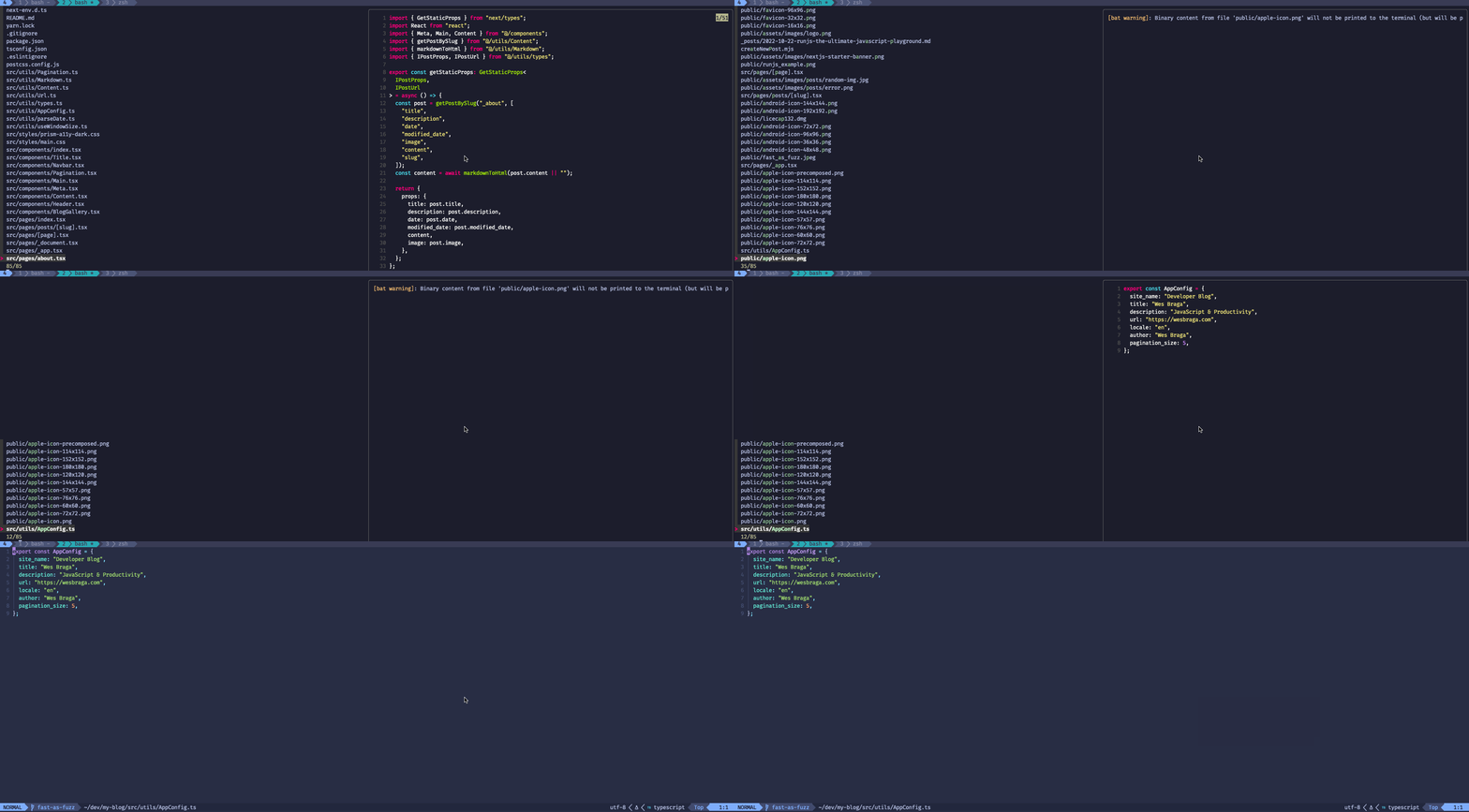
How?
Fuzzy searching through a list of text is what Fzf does the best. It allows one to pipe any list to it and perform a fuzzy algorithm on each entry giving you results per keystroke and outputting the selection to stdout.
For example:
echo 'line1\nline2\nline3' | fzf
Getting Started
I'm on macOS so I will use brew, but you can install both tools using any other package manager that suits your OS.
brew install fzf ripgrep
1. How do to get list of all files in the current directory?
This is where Ripgrep shines. It can list files in our current directory, respecting our .gitignore efficiently and quickly.
rg --files
2. Pipe to fzf
rg --files | fzf
3. Add the greatest editor of all times
nvim $(rg --files | fzf)
Finish it!
alias sf="nvim $(rg --files | fzf)"
Going fast as fuzz
Now you have a way to search through files in a directory and open them in your favorite editor. And the whole workflow probably took half the time it takes to open VSCode, find the file you want in a file tree and click on it with the mouse, you have to admit, this is much better 😉.
Bonus: How to get that sweet file preview when fuzzy searching?
Well fzf has a --preview flag which allows you to pass a custom command to preview a file for example:
fzf --preview 'cat {}'
But cat doens't have syntax highlighting which is very much needed. So we are going to use Bat which is much better.
- Install Bat
brew install bat
- Add the following to your fzf alias command
alias sf="rg --files --hidden | fzf --preview 'bat --style=numbers --color=always --line-range :500 {}' --bind 'enter:become(nvim {})'"
Note the --bind on fzf allows you to set keys that trigger other commands. In this example we tell it to open the selection using Neovim. There are more interesting things that you can bind using fzf, check out the docs
Now you should see something like this:
Conclusion
Thank you for reading and I hope this provide you with a way to boost your workflow speed. If you have any questions or suggestions come chat with me on Linkedin